A Faster Front Desk: Visitor Autocomplete, a Confirmation Step and Local Time Zones
Three smaller changes this release, all aimed at the same thing: fewer taps at the kiosk and fewer surprises in the log.
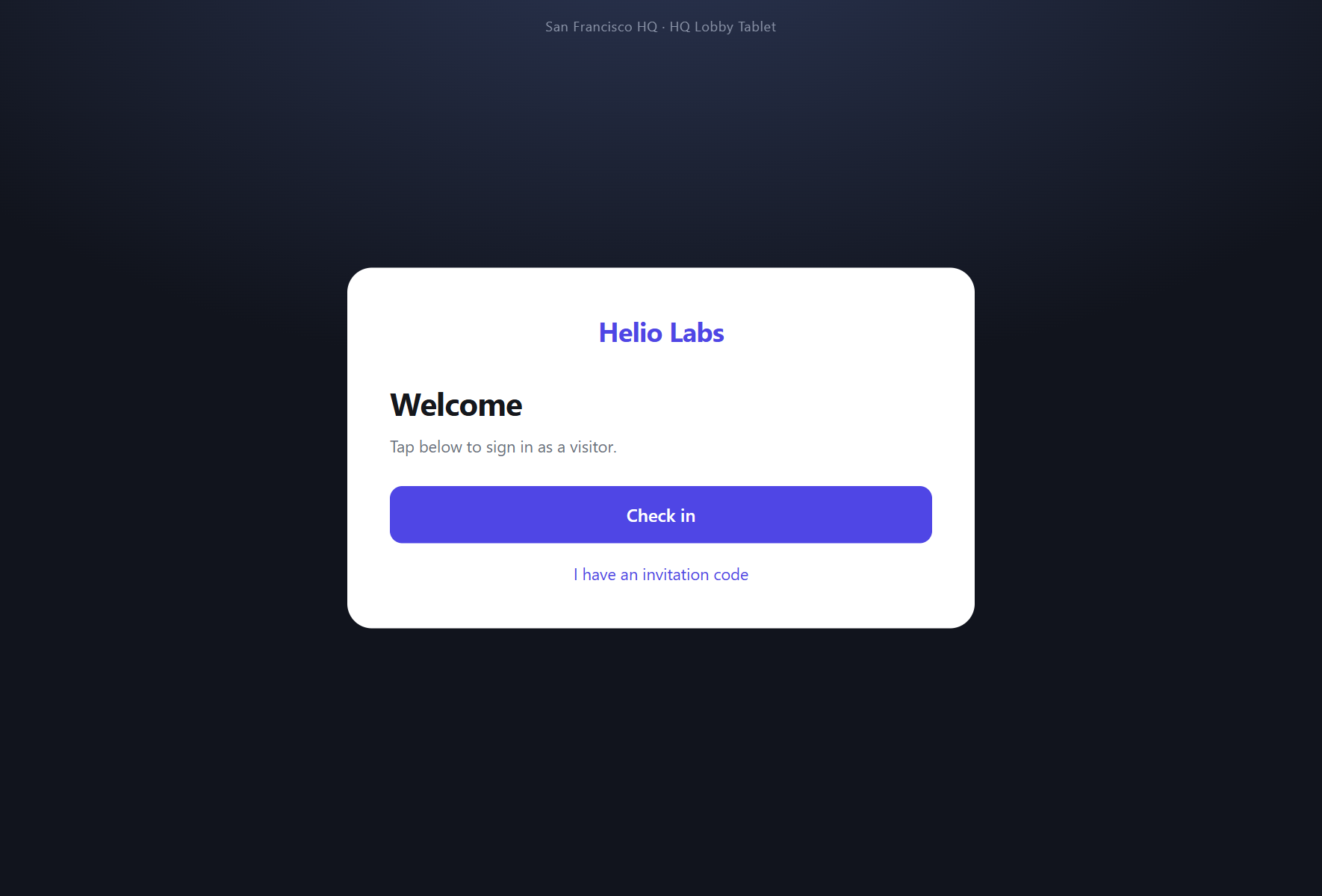
Autocomplete for returning visitors
Most front desks see the same faces every week — the regular courier, the contractor finishing a fit-out, the candidate back for a second interview. Re-typing their details every time is wasted effort.
The kiosk now recognises returning visitors as they start typing. Begin a name and matching past visitors surface as suggestions; pick one and the name, company and host fields fill themselves in. First-time guests type as normal — nothing changes for them.
A confirmation step before sign-in completes
A mistyped host or a wrong company name used to land straight in the record. The kiosk now shows a short confirmation screen — name, company, who they're visiting — before the check-in is finalised. A quick glance, a tap to confirm, and it's done.
When a receptionist pushes a pre-filled form to the kiosk, WelcomeDesk is smart about it: if every field is already complete there's nothing to confirm, so the step is skipped and the guest goes straight through.
Timestamps in your own time zone
If your offices span more than one region, you'll have noticed visit times didn't always look right. WelcomeDesk now detects each viewer's browser time zone and renders every timestamp — check-ins, reports, the audit log — in their local time. A receptionist in London and a manager in New York each see the same visit in the time that makes sense to them, with no settings to configure.
Why these matter
- Speed: a returning visitor's check-in drops to a couple of taps.
- Accuracy: the confirmation step catches errors before they reach the permanent record.
- Clarity: no more mental time-zone maths when reading a multi-site log.
All three are live now and need no setup. Stand a tablet at the door and they just work.
See WelcomeDesk at your front desk
Browser-based visitor management, one price for every office. Free for 14 days.
Start your free trial