In-App Support Tickets and Role-Based Admin Accounts
Good software needs a good way to ask for help — and a responsible way to give it. This release adds both: in-app support tickets, and admin roles that limit who can see customer data.
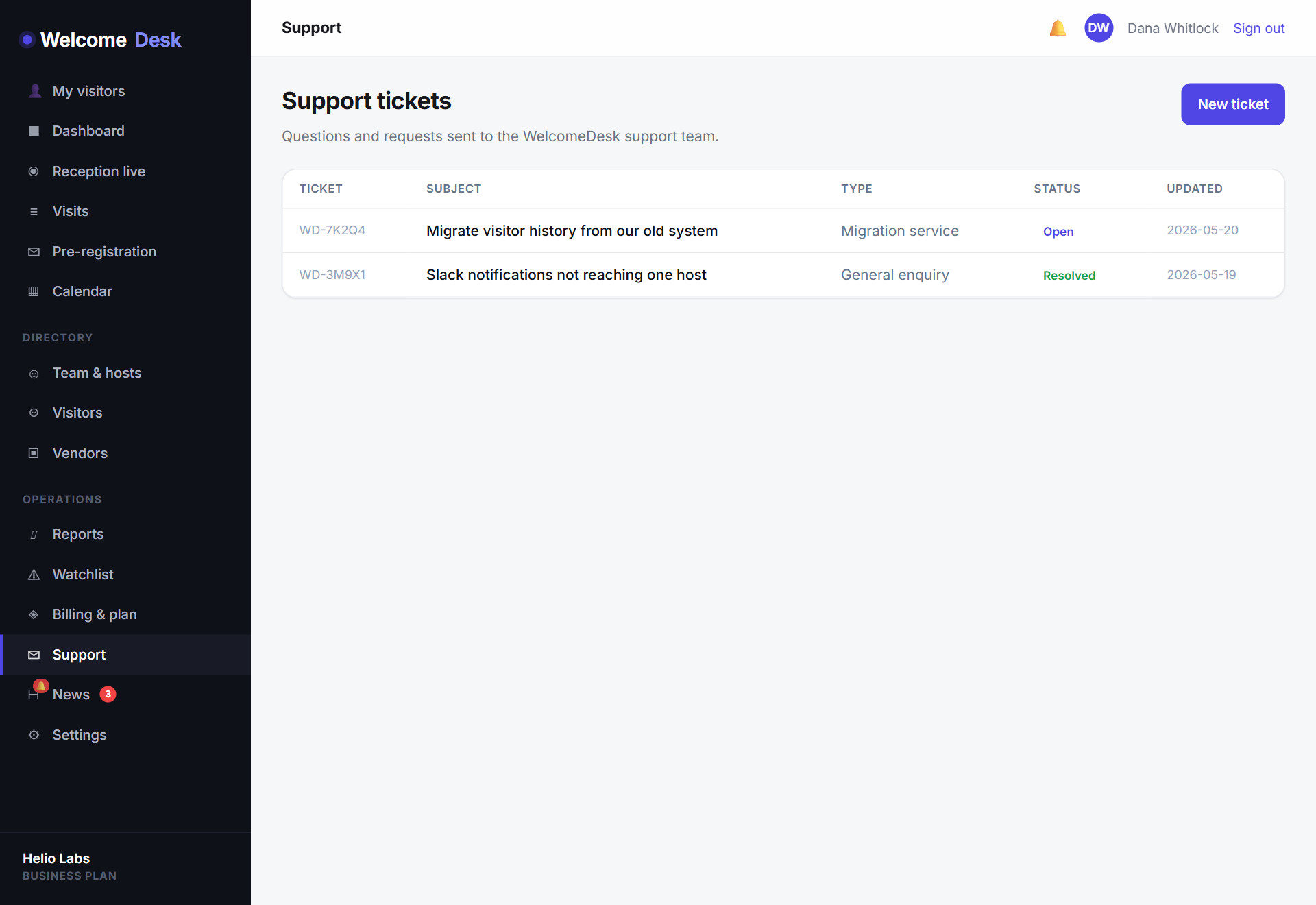
Support, without the email thread
You can now raise a support request from inside WelcomeDesk. Open Support, describe the issue, and you get a tracked ticket with a full conversation thread — replies, status and priority all in one place. No lost email chains, no wondering whether anyone picked it up.
It's also where the migration service now lives. Moving from another visitor system? Start a ticket and a WelcomeDesk Support Lead will coordinate the transfer of your existing visitor records, hosts and settings.
Admin roles that respect customer data
Behind the scenes, the WelcomeDesk admin team now works under scoped roles instead of all-or-nothing access:
- Support tech — sees and works support tickets only. No customer visitor data, no personal information.
- Support lead — can dig into an organisation's records to resolve an issue, but can't change billing or platform settings.
- Superadmin — full platform access, reserved for a small group.
This is least-privilege access applied to ourselves: the person answering a routine ticket simply doesn't have a door into your visitor log. It's the kind of internal control a security review looks for, and it's now baked in.
Why it matters to you
For customers, the headline is a faster, traceable way to get help. But the role model underneath is just as important — it's a concrete commitment that access to your data is limited to the people who genuinely need it. Find the Support link in your sidebar whenever you need us.
See WelcomeDesk at your front desk
Browser-based visitor management, one price for every office. Free for 14 days.
Start your free trial